

Safeguarding Office Equipment from Damage: Practical Strategies for Modern Workplaces

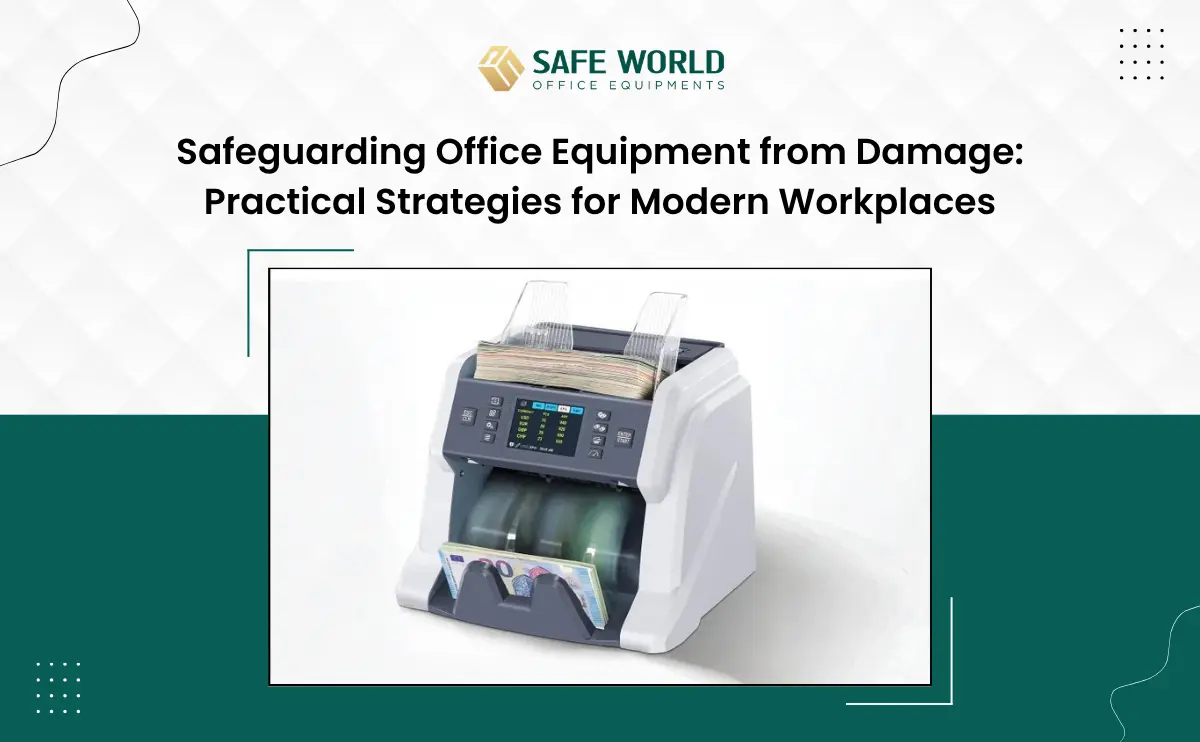
Safeguarding Office Equipment from Damage keeps a company’s assets working and its budget under control. Offices run on computers, printers, and furniture, and none of it is cheap to replace. One spilled cup of tea or one overloaded socket can cost a business far more than expected. This blog looks at practical, everyday ways of safeguarding office equipment from damage without spending a fortune.
What Is Safeguarding Office Equipment from Damage?
It simply means protecting machines, furniture, and devices from wear, accidents, and careless use before problems start. The idea is prevention, not repair.
It’s a mix of habits, small tools, and common sense – a dust cover here, a rule about eating near desks there. None of it feels dramatic, but together it adds up.
A few starting points:
- Keep covers or cases on devices that sit idle overnight
- Avoid placing electronics near windows with direct sunlight
- Set basic rules for who can move or plug in shared machines
- Check equipment now and then instead of waiting for it to fail
Why Does Safeguarding Office Equipment from Damage Matter for Businesses?
Damaged equipment costs money and time, and sometimes client trust too. Nobody plans for a printer to give up mid-deadline – but it happens, and it’s rarely a minor inconvenience.
Take safeguarding office equipment from damage seriously, and emergency repair bills tend to drop. Staff also stop losing time waiting on tools that should just work.
Offices that skip this step often deal with the same breakdowns repeatedly, and that cycle quietly drains a budget.
What Causes Damage, and Why Is Safeguarding Office Equipment from Damage Necessary?
Most damage comes from ordinary things – dust, spills, moisture, rough handling. It is rarely one big accident; it is usually small neglect repeated over months.
A printer near a window collects dust faster than anyone notices. A power strip left overloaded for weeks eventually gives up.
Some usual culprits:
- Liquids near keyboards and monitors
- Sockets carrying more load than they should
- Furniture dragged instead of lifted
- Devices stored in damp store rooms
- Cleaning schedules that quietly get skipped
Once these causes are clear, safeguarding office equipment from damage stops feeling like extra work and starts feeling like common sense.
How Can Companies Begin Safeguarding Office Equipment from Damage?
The starting point is usually a written policy, a maintenance calendar, and a few protective accessories – nothing fancy, just consistency.
Offices in cities like Dubai, Mumbai, and Delhi are building simple maintenance checklists into their monthly routines, and basic things like this genuinely work.
A quick side-by-side of what businesses usually reach for:
| Protection Method | Purpose | Best Suited For |
| Dust covers | Keeps dust and moisture out | Printers, keyboards |
| Surge protectors | Guards against power spikes | Computers, servers |
| Cable organizers | Cuts down tripping and strain | Office desks |
| Maintenance schedules | Flags issues before they grow | All electronic devices |
| Storage cabinets | Shields equipment not in use | Spare devices, tools |
Which Tools Support Safeguarding Office Equipment from Damage?
Surge protectors, dust covers, and cable organizers are the usual suspects, and for good reason – they’re cheap and they work. None of these require special training to install.
Businesses looking for these kinds of protective products can browse options at https://safeworlduae.com/, which stocks equipment care solutions built for everyday office use.
A short shopping list worth keeping handy:
- Anti-static mats for workstations
- Waterproof covers for printers and scanners
- Voltage stabilizers for sensitive devices
- Lockable cabinets for spare parts
- Labelled cable kits, so nothing gets yanked by mistake
How Does Training Improve Safeguarding Office Equipment from Damage?
Trained employees simply cause fewer accidents. Someone who knows how to unplug a machine properly, or notices a strange smell early in office equipment like shredder machines, Lamination Machine, etc. To prevents damage before it happens.
A short refresher every few months keeps these habits alive, since people tend to forget over time.
Much of safeguarding office equipment from damage comes down to daily behaviour, which often matters more than any gadget on the market.
What Mistakes Weaken Safeguarding Office Equipment from Damage Efforts?
Ignoring small faults is probably the biggest one – a flickering screen or loose wire rarely gets attention until it becomes a bigger problem.
Watch out for:
- Postponing repairs because “it still works”
- Stacking heavy files on delicate machines
- Reusing visibly frayed cables
- Skipping servicing recommended by the manufacturer
- Letting untrained staff handle sensitive equipment
Fixing even a couple of these habits makes a noticeable difference to how well safeguarding office equipment from damage actually holds up over time.
Frequently Asked Questions
What’s the simplest way to start safeguarding office equipment from damage?
Start small – dust covers, a surge protector, and a basic monthly checklist.
How often should office equipment be inspected?
Monthly is a reasonable rhythm, with a closer look every three months.
Does training genuinely reduce damage?
Yes. Trained staff spot problems earlier and handle machines with more care.
Are protective accessories costly for smaller offices?
Not really. Items like cable organizers and dust covers are widely available and affordable.
Where can offices find reliable protective equipment?
SafeWorld UAE offers a range of office protection products worth checking.
For more workplace protection solutions and useful updates, visit SafeWorld UAE and connect with us on Facebook, X, Pinterest, LinkedIn, and Telegram.
Safeguarding Office Equipment from Damage isn’t a one-time fix – it’s a habit that pays off quietly, month after month. A few simple tools, one clear policy, and some employee awareness go a long way toward a workplace that just runs smoother.